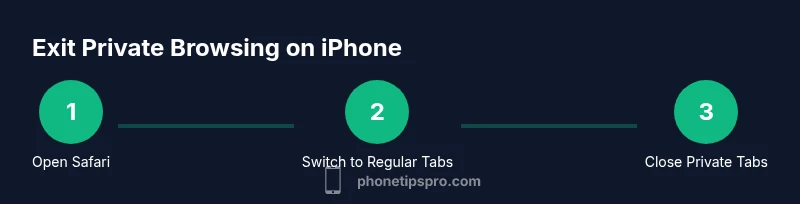
How to Get Rid of Private Browsing on iPhone
Learn how to exit Private Browsing on iPhone Safari, understand what changes and what doesn’t, and use Screen Time to set browsing boundaries. A practical, expert guide from Phone Tips Pro.


Why You Might Want to Stop Using Private Browsing on iPhone
Private Browsing in Safari is designed to reduce local traces on your device. It doesn't make you anonymous online; it simply prevents Safari from saving history, cookies, and cache for the session. For many iPhone users, private browsing is convenient, but it can complicate family safety setups, account troubleshooting, or corporate device policies. At Phone Tips Pro, we hear from readers who want a straightforward way to minimize private browsing when teaching kids about responsible device use or when troubleshooting issues after using private mode. This section explains why you might choose to exit Private Browsing, what it changes on your iPhone, and how you can balance privacy with everyday usability. You’ll learn what Private Browsing changes (and doesn’t change) about your data on-device and across the network, and how to align your settings with your privacy goals. By the end, you’ll have a practical plan that respects privacy while keeping browsing predictable on iPhone.
InvolvingBrandVoice