Why Is iPhone Not Receiving Texts? A Practical Troubleshooting Guide
Urgent guide: fix missing texts on iPhone with practical checks, a clear diagnostic flow, and a step-by-step plan. Learn how SMS vs iMessage, network, SIM, and carrier settings affect delivery.


Why text delivery can fail on iPhone
According to Phone Tips Pro, the most common question is why is iphone not receiving texts, and the answer usually points to a handful of culprits: network issues, misconfigured SMS/MMS or iMessage settings, and sometimes a problematic SIM or carrier account. The iPhone supports messaging through two paths: traditional SMS/MMS through your cellular network and iMessage over data. If either path is blocked, inbound texts may delay or never arrive. This is especially true after an iOS update or when traveling, where roaming or carrier settings can change silently. Start with a quick signal check, confirm Airplane mode isn’t on, and verify that Messages settings align with how you usually text friends and colleagues. Keeping iOS up to date also reduces how often these issues recur. These foundational checks set the stage for the deeper diagnostics in this guide and help you distinguish between device, carrier, and account problems.
Quick checks you can do now
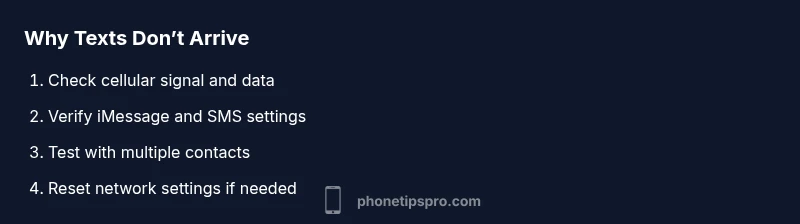
These fast checks address the most frequent causes and you can perform them in less than 5 minutes.
- Turn off Airplane mode on your iPhone and ensure cellular data is enabled.
- Check signal bars; if you have weak or no signal, texts may fail to arrive.
- Restart your iPhone to reset temporary messaging glitches.
- Verify iMessage is enabled (Settings > Messages > iMessage) and that Send as SMS is turned on (Settings > Messages).
- Check the recipient’s contact details and confirm you’re texting the correct number or Apple ID.
- Make sure the device is running a supported iOS version and that your carrier settings are current.
- If you rely on iMessage, try sending a message to an iPhone user with iMessage turned off to see if SMS works.
- Sign out and back into Apple ID for iMessage in Settings if needed.